← Back to work

Live NHL Scores
Figma Prototype

TypePassion Project
ToolsFigma, Python, Raspberry Pi, Figproxy
FocusAdvanced Prototyping

What happens when a hockey fan knows Figma too well?

This project started as a personal challenge to push the boundaries of Figma prototyping using variables and conditional logic.

The NHL has 32 teams, split into home and away, meaning two different teams and a live score for each need to be dynamically displayed at any given moment.

Figma's keyboard input feature is powerful but limited. It only registers the first key pressed and cannot accept a full string of input, so the solution needed to be built entirely around pointer interactions and conditional statements instead.
Figma's variables system is powerful for design logic, but there is no native way to pull in external data.

With 32 NHL teams, each game produces a unique home and away pairing, meaning there are over 990 possible team combinations before even accounting for the scores. Every state needed to be handled correctly.

01

Reliable Data Source

Pulling from a reliable NHL API to accurately determine the teams and scores from the previous day's games.

02

Figma Pointer Mapping

Creating a pointer in Figma to correctly map incoming data to four distinct variables: home team, home score, away team and away score.

03

Fully Automated Pipeline

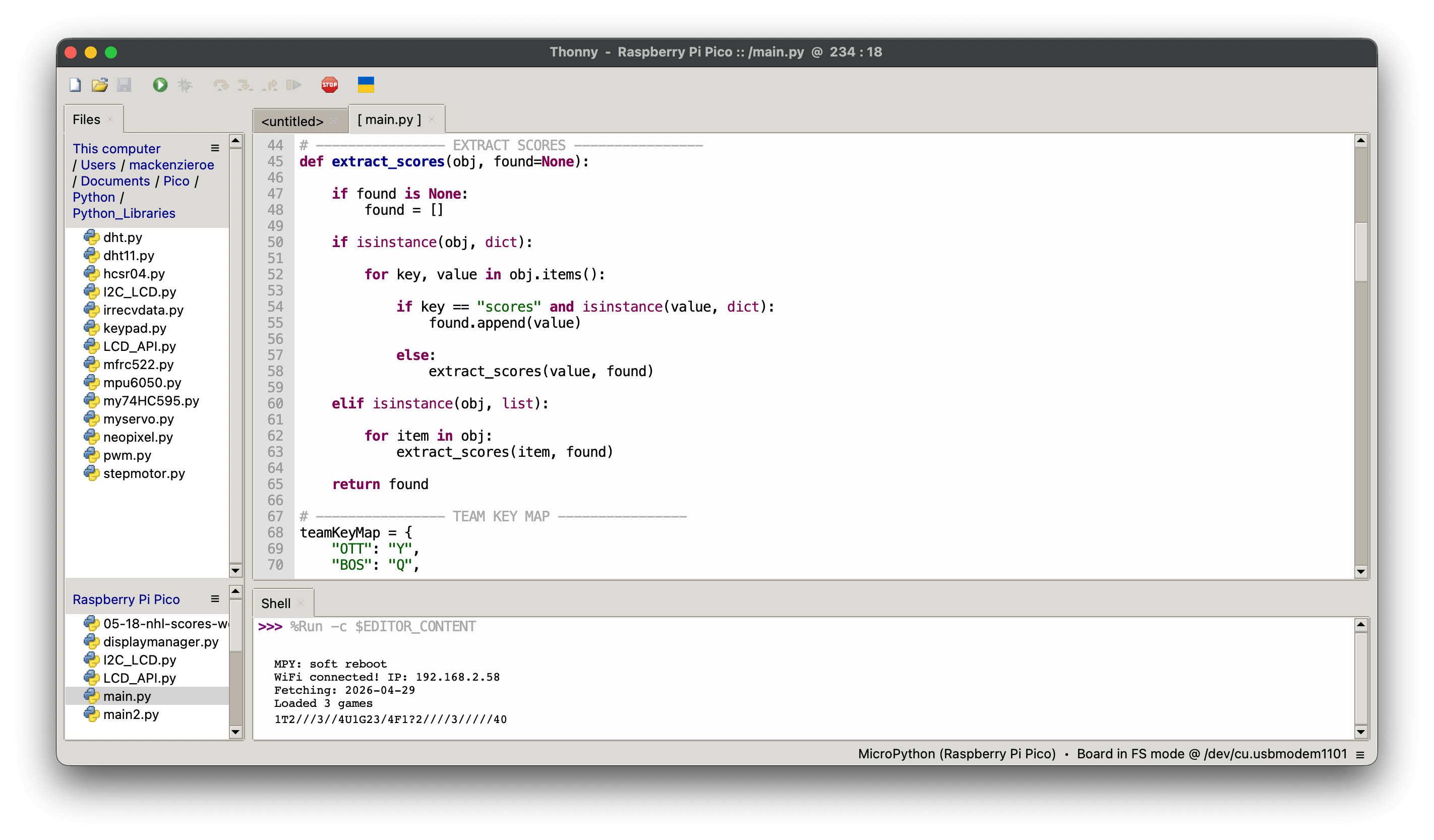
Building a Python program to automatically pull from the API and push inputs into Figma through Figproxy, updating the prototype in real time without any manual interaction.

A four-step pipeline from NHL servers to Figma prototype.

NHL API Pull

NHL Score API

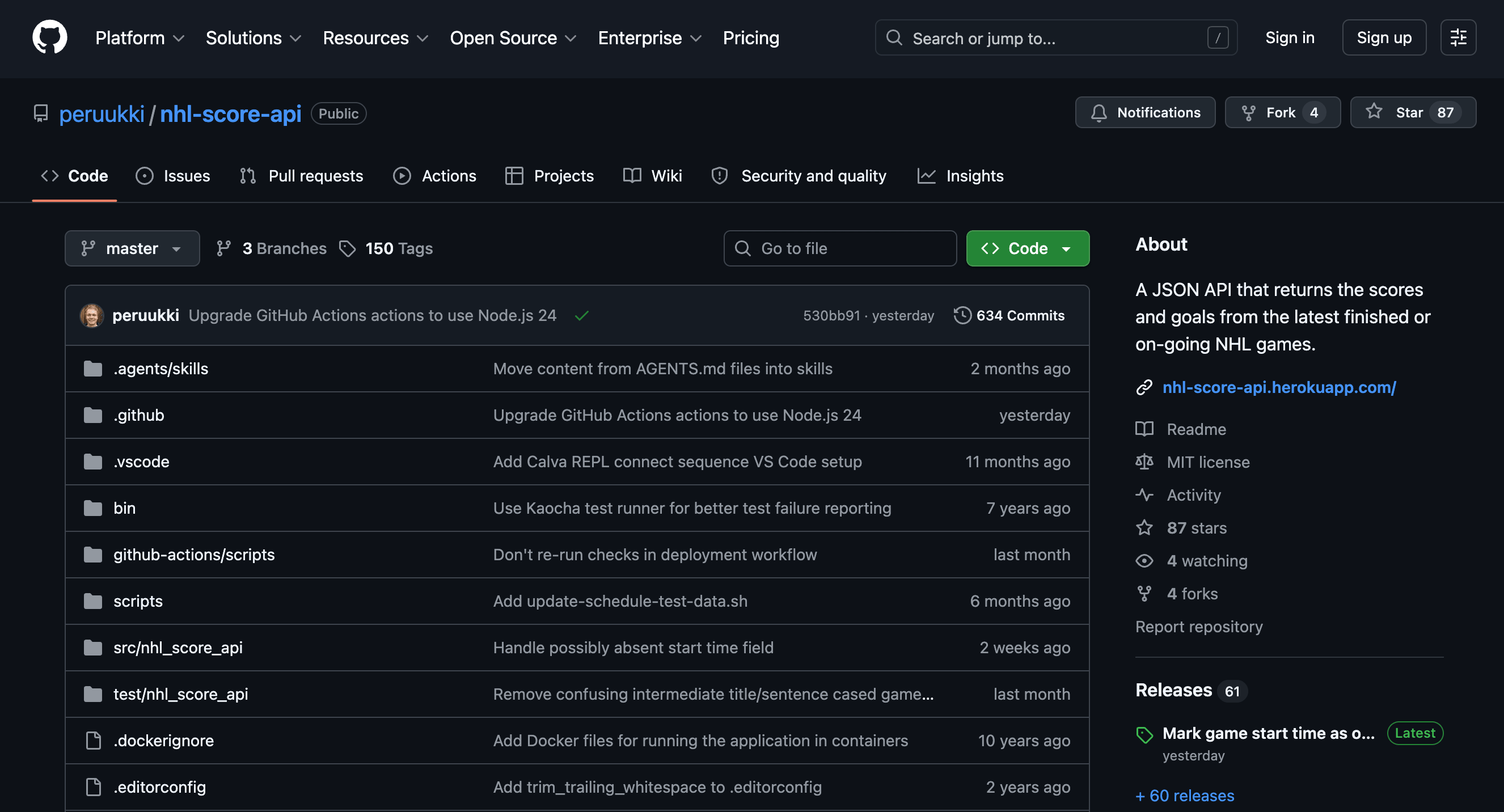
Using the nhl-score-api, scores are pulled from a given date. In this case the target is always the previous day's games, returning team matchups and final scores automatically each morning.

Variable Mapping

Variable Mapping

Each team is assigned a print value that maps directly to a key on the keyboard. Scores work the same way — a single key is used, and each press increments the score by one, keeping the input logic simple and consistent.

Figproxy Conversion

Figproxy Conversion

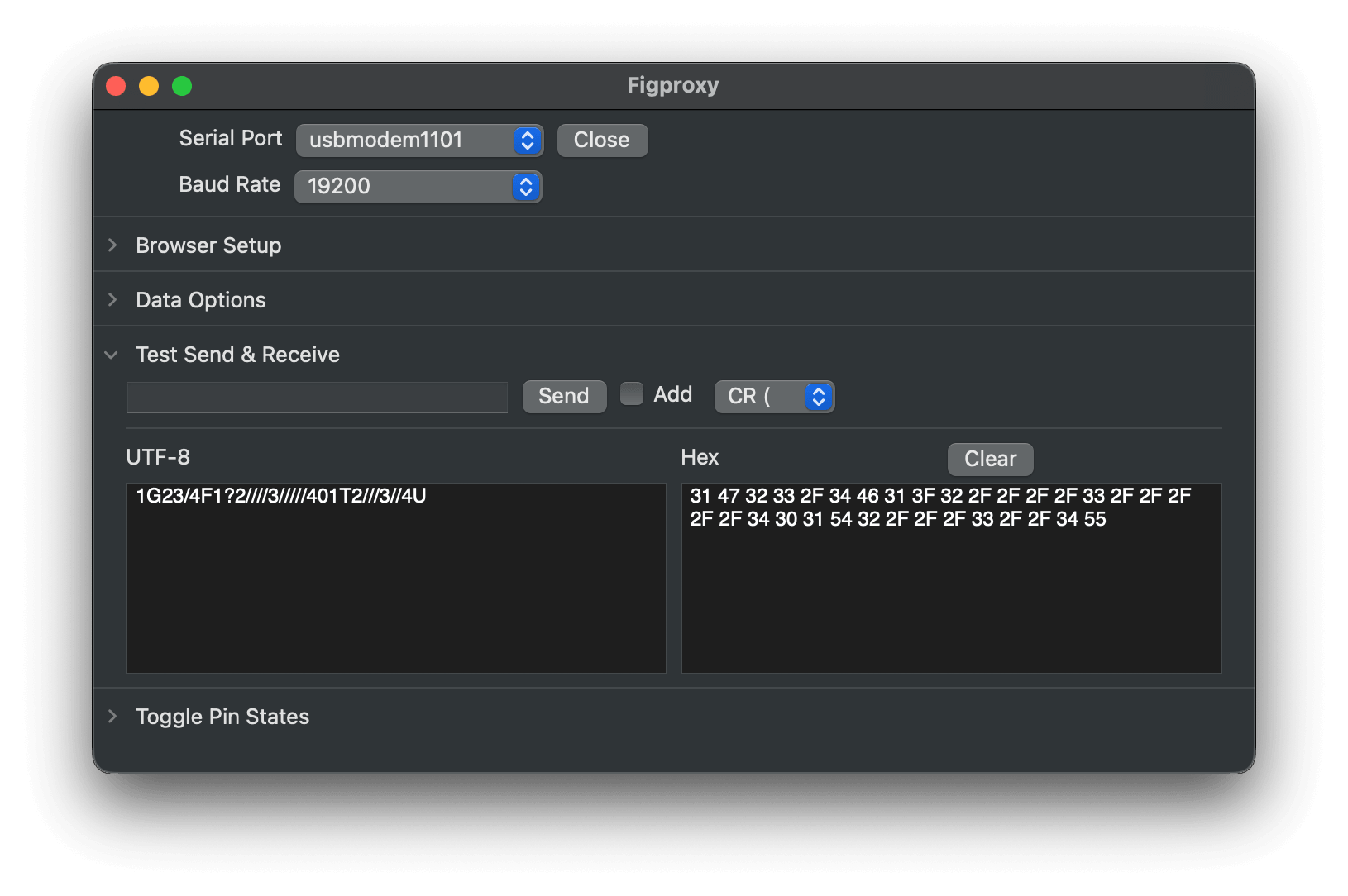
Figproxy reads the print outputs from the program and converts them to mimic physical key presses on a keyboard, allowing Figma to register each interaction exactly as it would from a real keystroke.

Figma Conditionals

Figma Conditionals

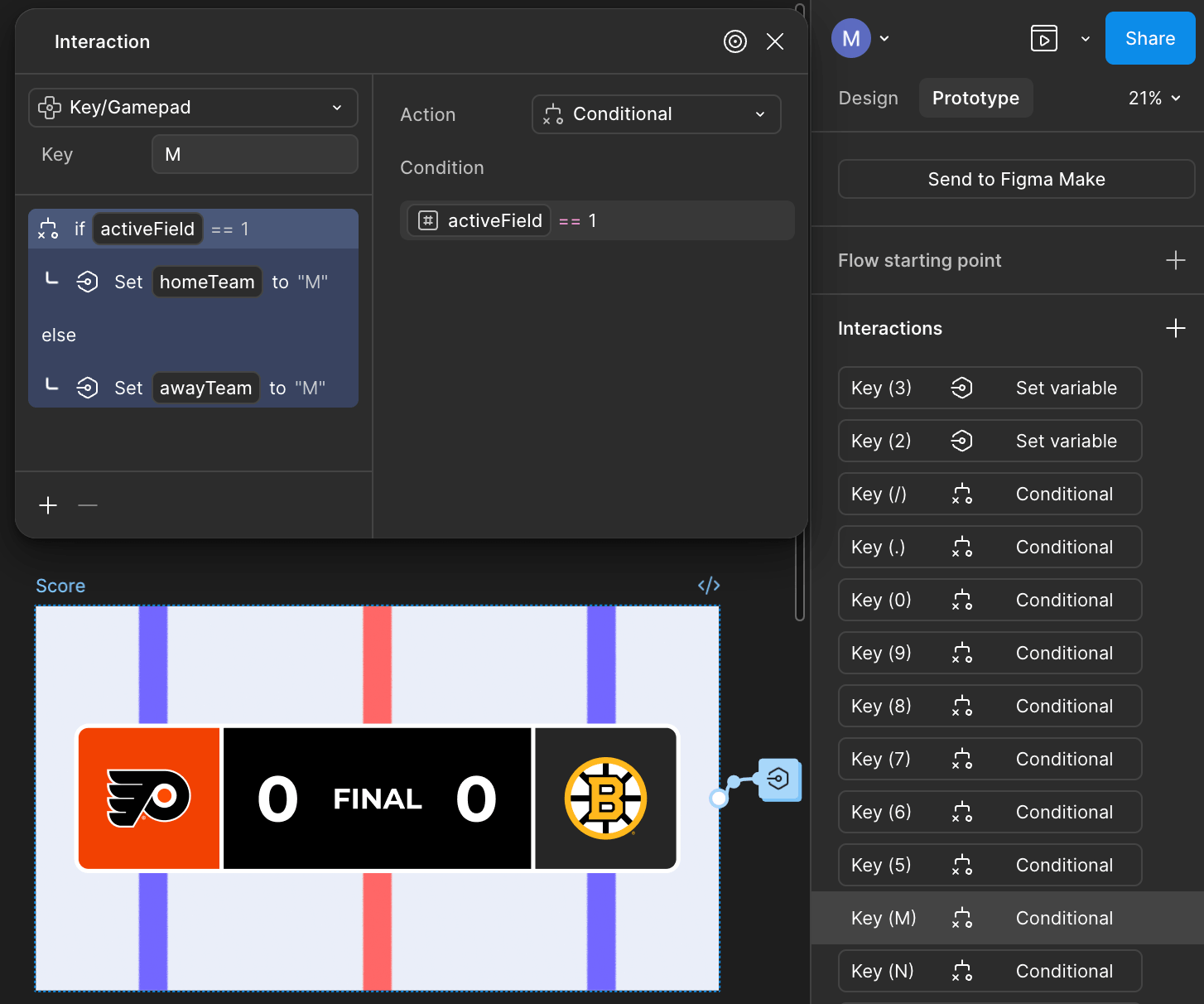
By creating conditionals for every key assigned to a team and each pointer, the prototype can account for every possible game outcome, from the matchup itself down to the individual scores on each side.

Simple front-end, complex back-end.

The interface itself is minimal by design — the complexity lives entirely in the pipeline behind it. The two tables below outline the keyboard inputs used to control the prototype and the full team key map. The Figma prototype is embedded directly and will accept keyboard inputs, so the full experience can be tested in place.

The prototype is fully interactive. The inputs below replicate what the automated pipeline does — manually pressing these keys mimics exactly what the Python script triggers through Figproxy every morning.

Input Action How to use
1 + team key Home team Press 1 to select the home team pointer, then press the key mapped to the home team.
2 + / Home score Press 2 to point to the home score, then press / once for each goal. Three goals scored — press / three times.
3 + / Away score Press 3 to point to the away score, then press / once for each goal scored by the away team.
4 + team key Away team Press 4 to select the away team pointer, then press the key mapped to the away team.
Team key map
OTT YBOS QBUF WTBL U MTL TDET ETOR IFLA R PIT GCAR OPHI FWSH H CBJ PDAL LANA NNJD A MIN ZCGY MNYI SNSH X EDM 5NYR DSTL CLAK 6 CHI JVGK 0SEA 8COL K WPG BSJS 7VAN 9UTA V

The prototype in action.

The following is a recording of the prototype in action. The date being pulled in the recording is April 29th, 2026.

Wednesday, April 29th 2026
MTL 3 2 TBL Final
PIT 0 1 PHI Final OT
UTA 4 5 VGK Final 2OT

More than a fun side project.

This project proved that Figma can function as the output layer of a real technical system, not just a design tool. Building a working data pipeline from scratch, covering the API, script, hardware, and prototype, reinforced that strong UX thinking and technical fluency are not mutually exclusive.

Working through the limitations of Figma's keyboard input model pushed the solution toward pointer-based conditional logic, which turned out to be a more robust and scalable approach than a string-based input would have been. The constraint made the outcome better.

Reflecting on it, the most valuable outcome was the shift in how to think about prototyping. A prototype does not have to be a static approximation of a real product. With the right pipeline, it can be the real product.

Back to ← All work Next project Global Gathering Planner →